ux-portfolio-jthongsavat1
No More Contact
By Jeeno Thongsavat 10/14/22
On a recent trip during the summer I traveled to San Jose for CRX 2022. During my stay, I had the pleasure of visiting many different places around town while also attending the convention. On one of my trips around town, I had used Google Maps to help find restaurants that I could eat at as I was getting hungry walking around town all day. So my friend and I, who had come along for the trip, decided on a restaurant called Mochinut as it also had many other restaurants surrounding it within a marketplace.
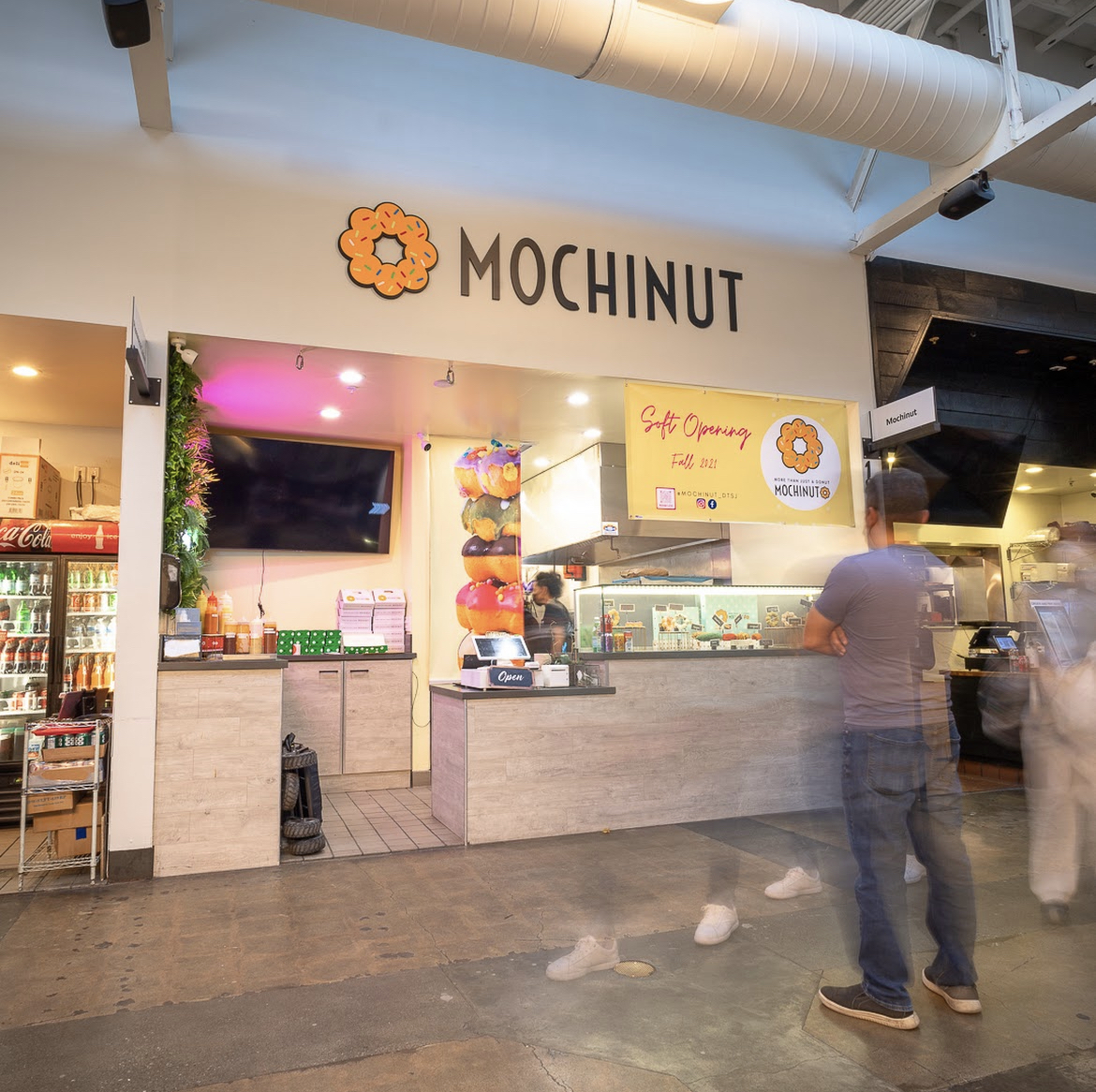
When arriving at the marketplace, we quickly realized that it was not your average restaurant. There were no workers at the counter who would take our orders! There were workers who were making the food, but the counter was left unmanned. As I approached the counter, I noticed a terminal that was asking us to take our order. I quickly realized that it was a self-order terminal and that the whole marketplace had the same set-up.
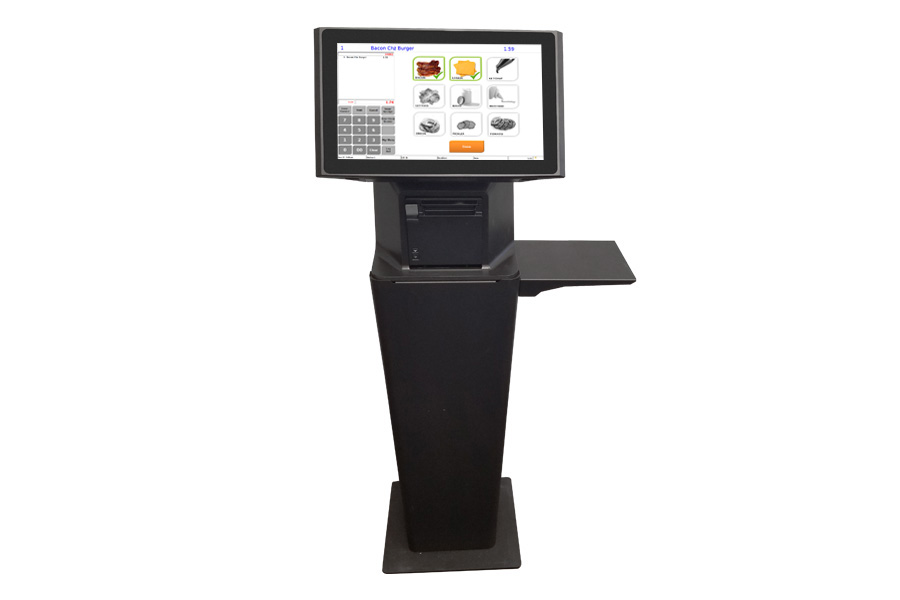
(An example figure of the terminal used)
Interacting with the terminal was surprisingly very simple and easy to understand. It had first asked me if I was ready to order with a button for confirmation. After confirming that I was ready, it displayed a list of pictures of the menu items with the names underneath. There were also different tabs for drinks and the different types of food. Adding the food to the cart was as one would expect, I had to tap on the item that I wanted to order and then it brought up a menu for customization. It would ask if I want certain toppings or the quantity of the order. After making my decision, the next step was to add the item to my cart. It would then redirect me back to the menu page to see if I wanted to order more. On the bottom right, the display would change to now show a checkout feature and how many items were in my cart at the time. This would be the feedback for the user to let them know that they have successfully added an item to their cart. After adding all the items that I wanted to order to my cart it was time for checkout. Hitting the checkout button, I was brought to a confirmation page and it displayed the list of the items I wanted to order. It then asked for my card or mobile pay in order to pay. The kiosk did not accept cash, as it was completely contactless. Which can prove very troublesome for customers as they might not have their card or a form of mobile payment. Even if we are coming to an age of contactless payment, there are still some who use cash. This can result in a loss of customers. After confirming my payment, it then asked me for a method to receive my receipt and a way to let me know my order was ready. I entered my phone number and sat down at a table nearby. Soon after, I received a text on my phone letting me know that the restaurant received my order and it was being made now. After waiting for a while, I got a text on my phone saying that my order was ready and I should come back to the counter for pickup. I came back to the counter where the terminal was and my food was sitting there waiting for me.
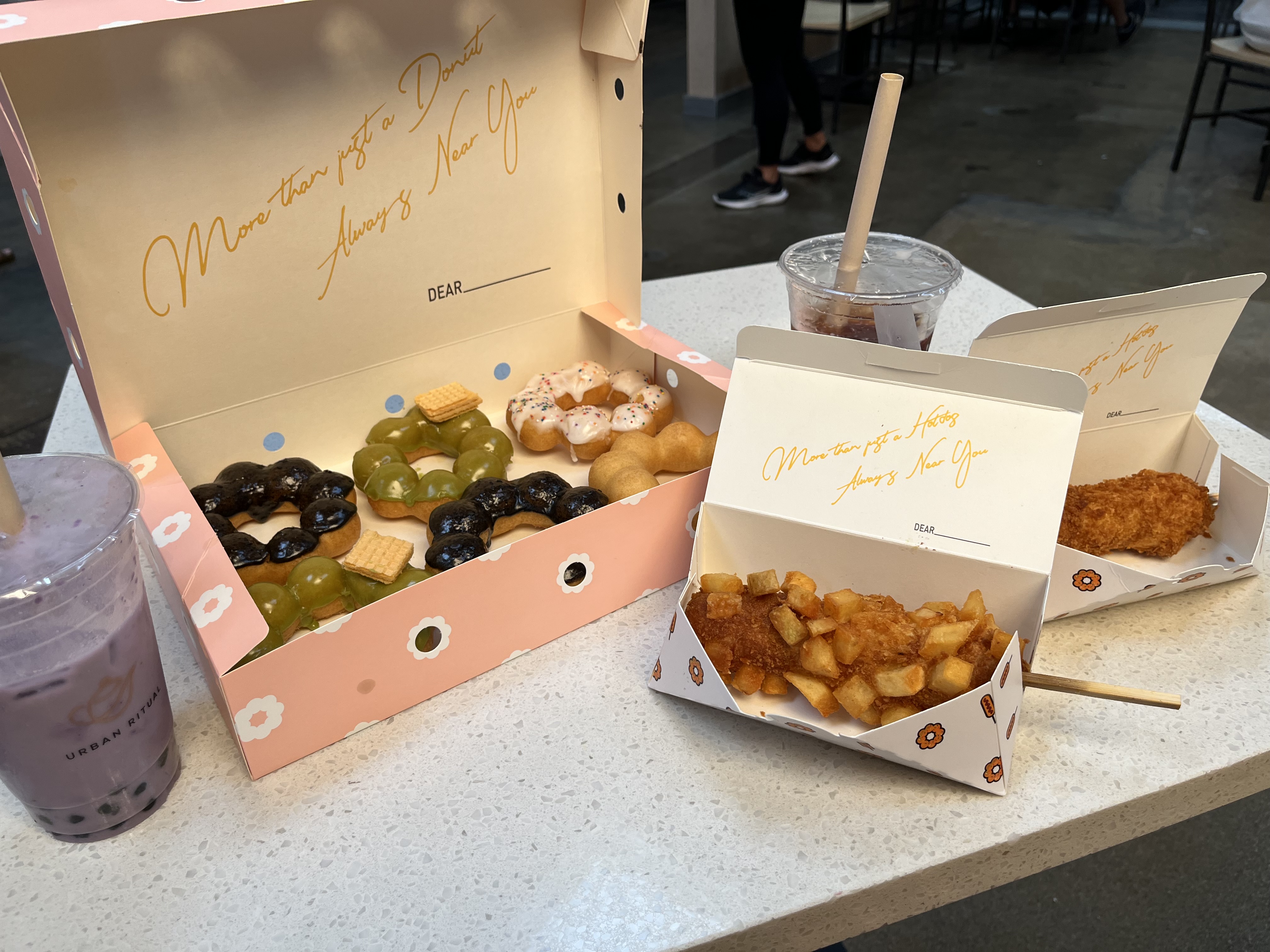
The process of me using the kiosk to order my food and receiving it was surprisingly very simple and easy to use. The process had strong learnability. While providing a simple and easy to use experience, there was a glaring drawback with the system. I noticed that anybody could just come up after the order was ready and pick it up without having the need to confirm that it was their order or not. It was a big safety issue. Other than that, my experience with the self-order kiosk was very satisfying, with how easy it was to learn and provided the perk of letting me order without having to interact with a person.